Two related pages. /admin/participants is read-mostly and open to staff.
/admin/users is admin only.
Participants
Every delegate account, joined to their delegate application by email address. Search it, and see a badge counting accounts with no matching application.
That badge is the useful part. An account with no application is usually someone who signed up with one address and registered with another, which is the most common dashboard complaint. Fixing the email on one side or the other resolves it.
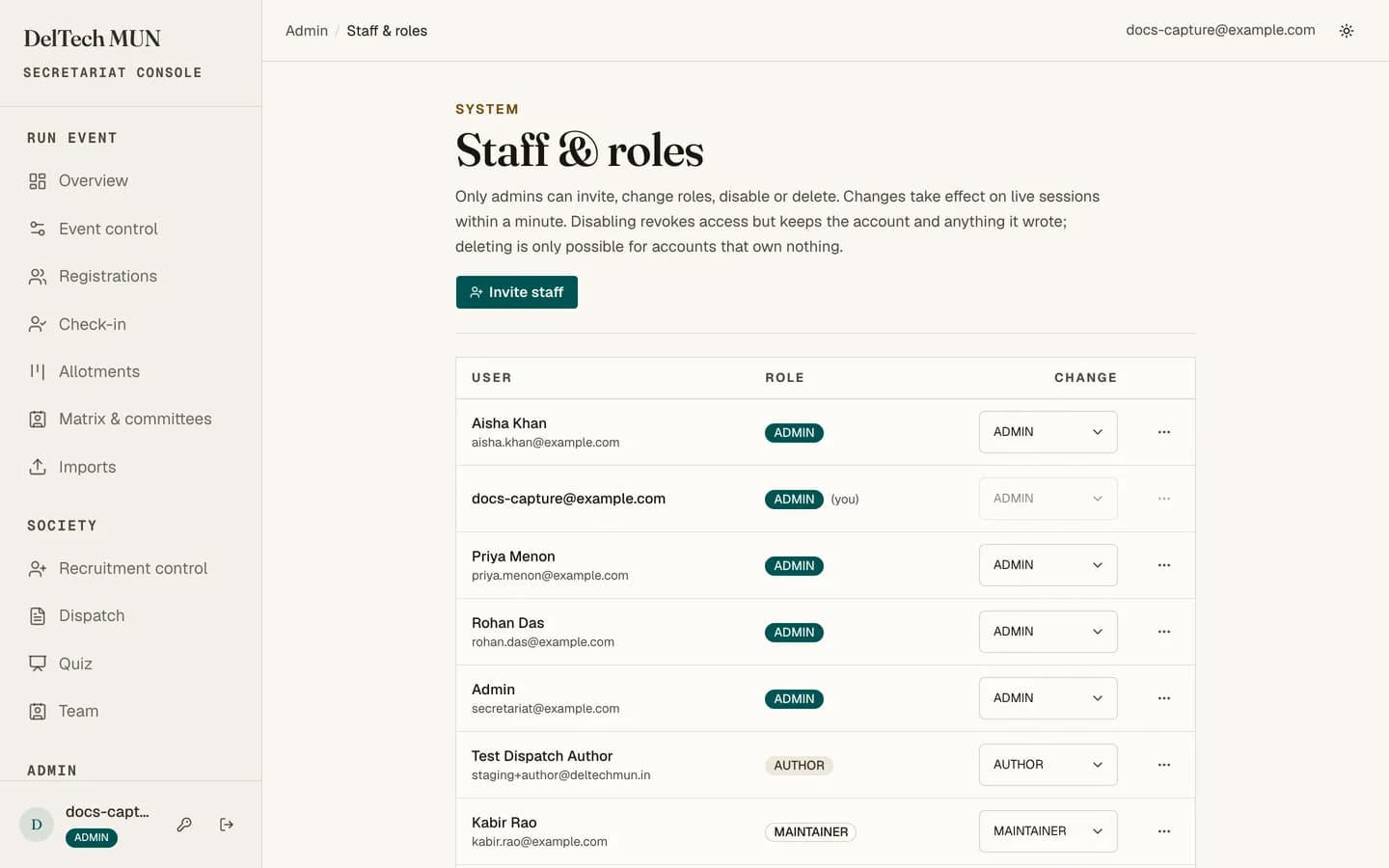
Users, admin only
Staff and roles.
| Action | Notes |
|---|---|
| Invite | Creates the account with a role and emails a sign-in link. See getting your staff account. |
| Change role | Takes effect on the person's live session, not at their next sign-in. |
| Disable | Blocks sign-in immediately, keeps all history. |
| Enable | Reverses a disable. |
| Delete | Destroys the account. |
Disable, do not delete
Disabling stops access instantly and leaves the activity log intact, so you can still see what that person did. Deleting removes the account and makes historical entries harder to read. Delete only when you actually need the record gone.
The last-admin rule
Role changes, disables and deletes all run inside a check that at least one enabled admin survives. You cannot lock everybody out, including by accident, including yourself.
If you are the only admin and you want to step back, promote your successor first, then change your own role.
Roles cascade into recruitment
Changing someone's role updates their recruitment council membership in the same operation, so the two systems cannot disagree. See council roles.
If an invite email fails
The account exists anyway. You will see a warning telling you to send the sign-in URL yourself. Do not invite them a second time.