/admin/logs records who changed what. It is the source of truth when accounts differ.
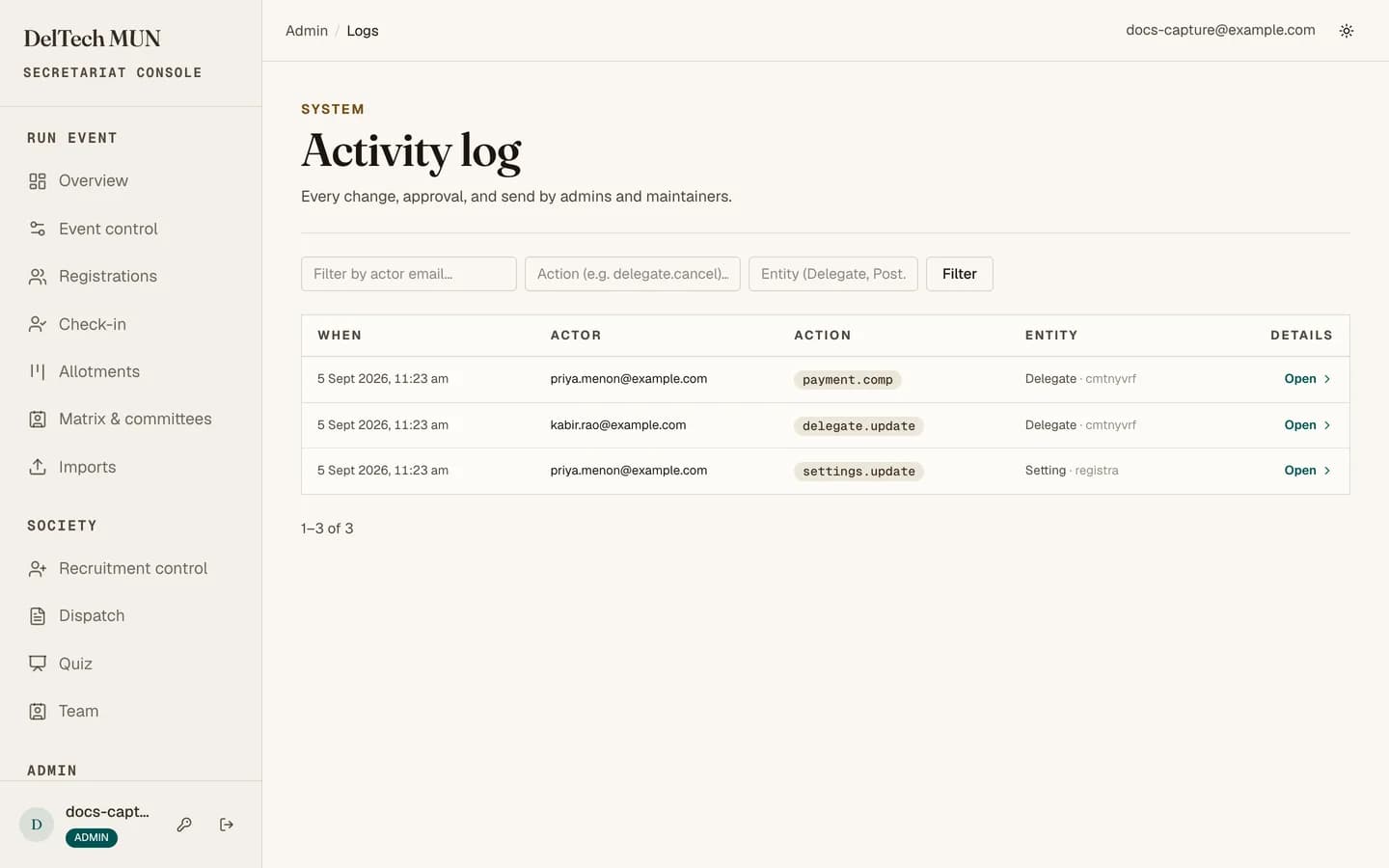
What is recorded
Operational changes: edits, allotments, revocations, payment overrides, role changes, deletions. Each entry carries the actor, the action, the record affected and the time.
Filtering
By actor email, by action, and by entity. The filters are a plain form in the URL, so a filtered view is a shareable link.
The most useful query when something looks wrong is by entity: pick the record and read its whole history in order.
Rollback
Admin only. It reverses a recorded change. An entry that has been rolled back is marked as such, so the log shows both the change and its reversal rather than pretending neither happened.
Careful
Rollback undoes one recorded change, not everything downstream of it. Rolling back an allotment edit does not unsend the email that went out, and does not undo a payment that was created afterwards. Read the surrounding entries before using it, and check the delegate, the portfolio and the payment afterwards.
Using it during an incident
-
Filter by the affected record.
-
Read forwards from before the problem. You are looking for the first entry that is not what you expected.
-
Prefer editing the record to rolling anything back, unless the change was structurally wrong rather than merely incorrect.
-
Check linked state afterwards. Allotments touch the delegate, the portfolio, the payment and the public matrix at once.
Why shared accounts are banned
The log records the account, not the human. A shared login makes every entry say the same thing, which destroys the log's only purpose at exactly the moment you need it.