The form at /register has five steps. It only moves to the next step when the
current one is valid, so nothing is lost if you make a mistake.
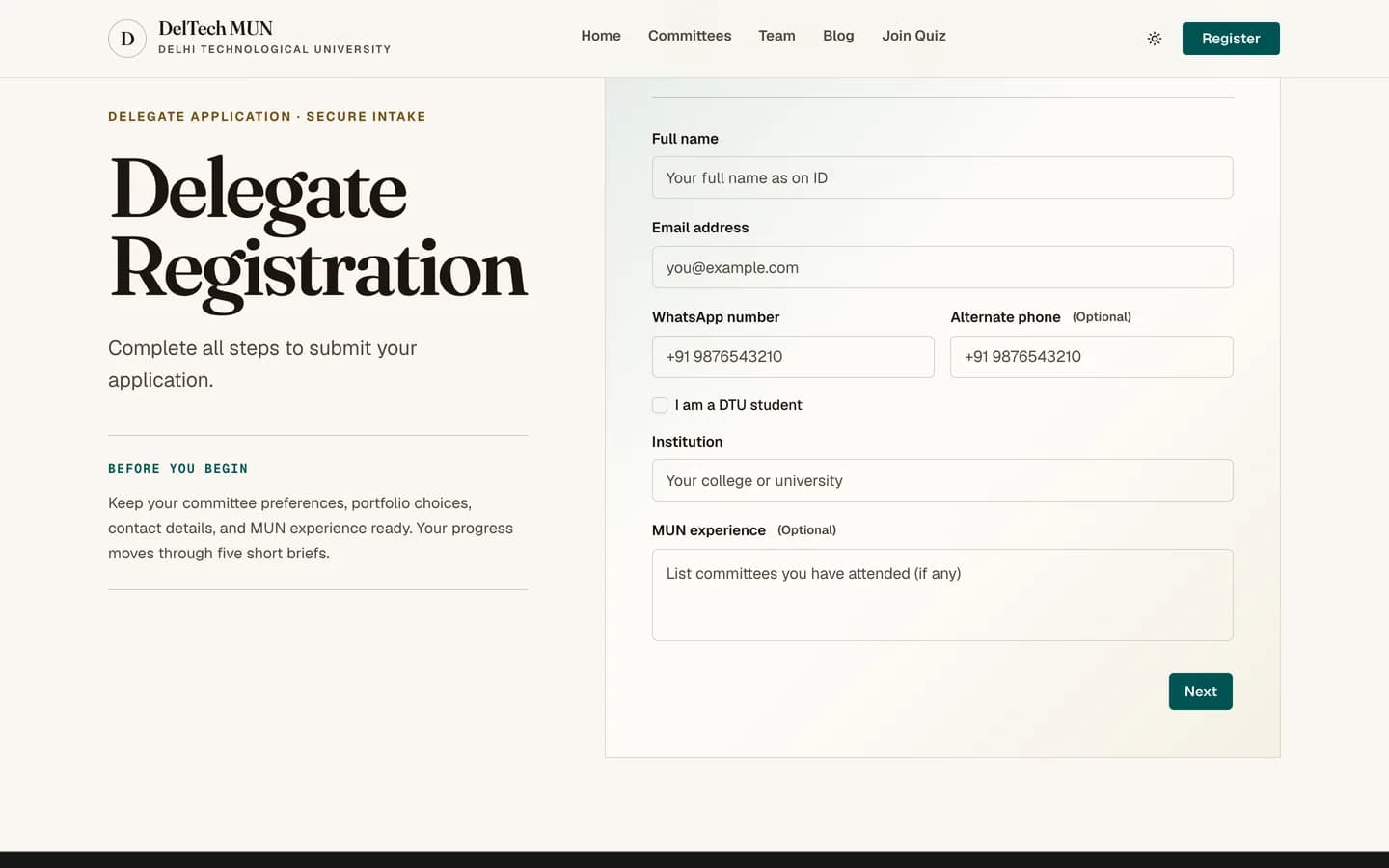
The fields
| Field | Required | Notes |
|---|---|---|
| Full name | Yes | At least two characters. This is what goes on your placard and certificate, so use the spelling you want printed. |
| Yes | Everything is sent here: your status link, your allotment, your payment link and your receipt. It must be unique; one registration per address. | |
| WhatsApp number | Yes | At least seven digits. Used for committee groups and urgent conference-day messages. |
| Alternative phone | No | A second number, useful if your WhatsApp number is not one you answer calls on. |
| DTU student | Switch | See below. |
| Institution | Yes | Your school or university. At least two characters. |
| MUN experience | No | Free text. A short note about conferences you have attended. It does not disqualify you if it is empty. |
The DTU student switch
Turning it on locks the institution field to Delhi Technological University and
fills it in for you. Turn it off and the field becomes editable again.
This matters for more than tidiness: fees are defined separately for DTU and non-DTU delegates, so this switch can change what you are charged. Set it honestly. If you get it wrong, a staff member can correct it later and the fee is recalculated at allotment, not at registration.
Careful
Use an email address you will still be able to read in a month. Changing it later means asking the secretariat to edit your record, and any emails already sent to the old address cannot be recalled.
Common problems
"This email is already registered." You, or someone using your address, has already submitted the form. Find your status link in your inbox rather than registering again. If you genuinely cannot find it, contact the secretariat.
The institution field will not let me type. The DTU switch is on. Turn it off.
Nothing happens when I press continue. A field above is invalid. The invalid field is highlighted and focused.
Next: committee preferences.