/dashboard is the signed-in version of your status page. It exists so you do not
have to keep your private link.
How it finds your registration
By email address, ignoring capitalisation. Your account email and the email on your registration form must be the same address.
If they differ, the dashboard shows a "no registration found" card with a link to the registration form. That does not mean your registration is missing; it means it is filed under a different address. Two fixes:
- sign in with the account matching the address you registered with, or
- ask the secretariat to change the email on your delegate record.
What it shows
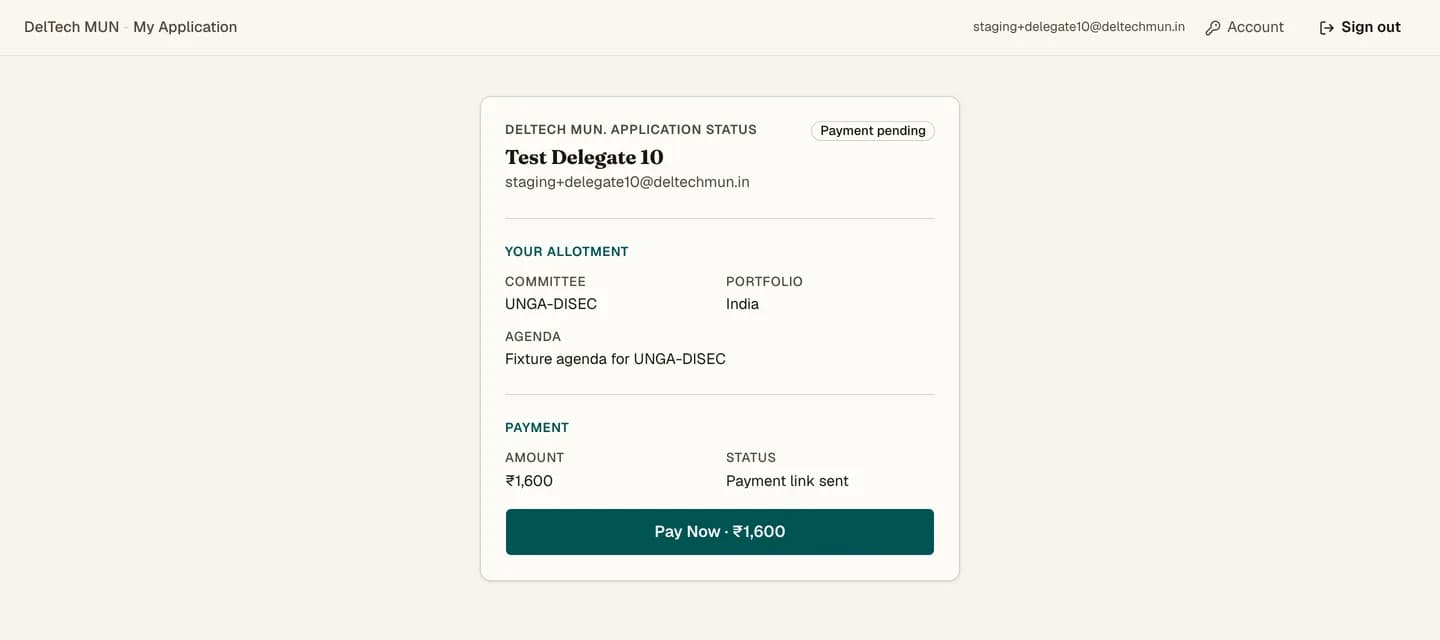
The same things as the status page: your status, your allotment, your co-delegate, your payment and a Pay Now button when one is due.
Only delegates land here
/dashboard is for delegate accounts. If you sign in with a staff, writer or council
account you are sent to that role's own home page instead. That is not a permissions
error, just a redirect. See roles and permissions.
Account settings
The header links to /account, where you can set or change your password, and to
sign out.