/admin/quiz holds presentations. A presentation is a set of slides you can put in
front of a room.
Creating one
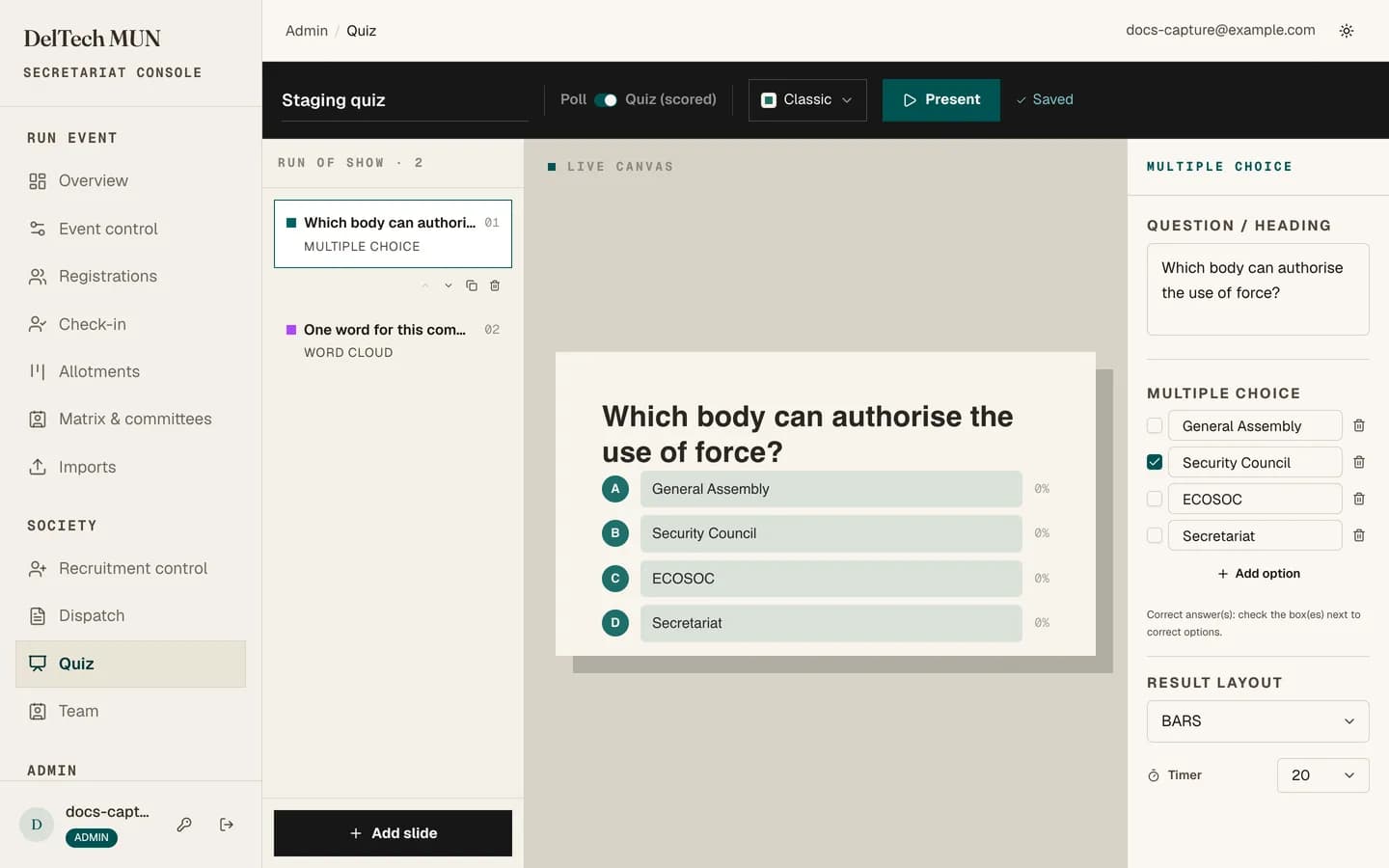
New presentation makes an untitled one in poll mode and opens the builder.
The two modes
Poll. Anonymous. No scores, no leaderboard. For sampling the room.
Quiz. Nicknamed and scored, with a leaderboard between questions.
Set it on the presentation, not per slide.
The eight slide types
| Type | The audience... |
|---|---|
| Multiple choice | picks one of your options. |
| True or false | picks one of two. |
| Type answer | types text you match against. |
| Numeric | enters a number. |
| Word cloud | sends a word, and the room's words grow by frequency. |
| Scale | rates on a range. |
| Open text | writes freely; responses are displayed. |
| Content | answers nothing. A title or explanation slide. |
Building
The slide panel reorders, duplicates and deletes. The configuration panel changes with the slide type. The preview shows what the room will see, so you can check a long question actually fits before it is on a projector.
Each timed slide has its own duration.
Themes
Five presets: classic, ink, gold, ocean and forest. Pick one that survives the room's projector, which is usually the highest-contrast one rather than the prettiest.
Before presenting
- Read every slide in the preview. Typos are enormous on a projector.
- Check answer keys on scored slides. A wrong key marks the whole room wrong and cannot be quietly fixed mid-session.
- Keep durations realistic. Twenty seconds is fine for a two-line multiple choice and nowhere near enough for a paragraph.
Next: presenting a quiz.