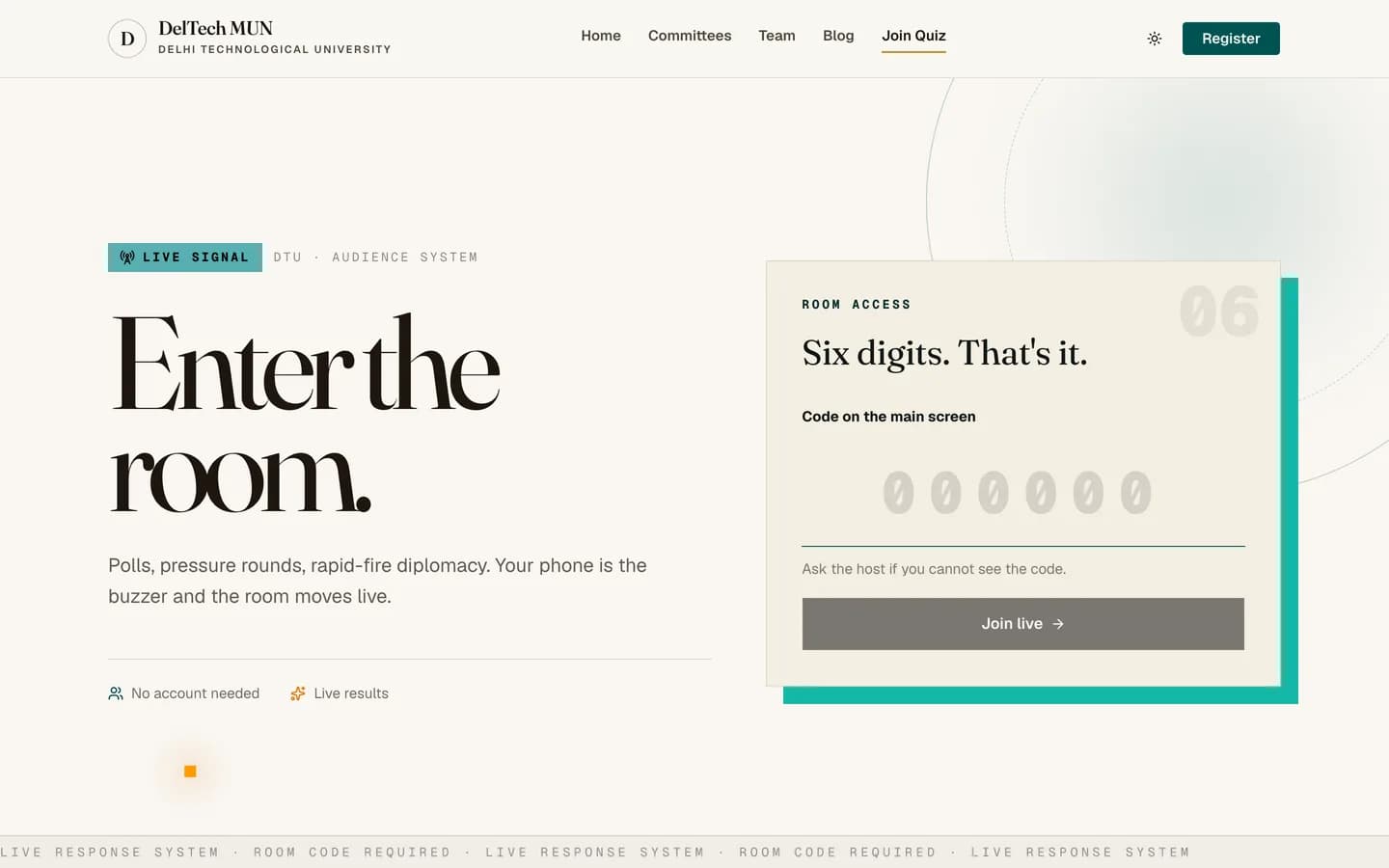
The society runs live quizzes and polls during sessions. You need a phone and a room code. No account, no app, no download.
Joining
-
Go to
/quiz/join. -
Type the six-digit room code from the screen at the front.
-
Choose a nickname and pick an avatar.
-
Wait for the presenter to start. Questions appear on your phone as they go up on the projector.
The two modes
Poll. Anonymous. There is no score and no leaderboard. It is used to sample the room's opinion.
Quiz. Scored, with a leaderboard. Your nickname is visible on it.
The presenter chooses which, and you can tell from whether a leaderboard appears between questions.
How scoring works in quiz mode
You get points for a correct answer, more points for answering quickly, and a bonus for a run of consecutive correct answers. Answering wrong ends the streak.
The timer is run by the server, not your phone, so a slow connection does not cost you the difference and reloading the page does not reset the clock.
Question types
Multiple choice, true or false, type the answer, a number, a word cloud, a rating scale, and open text. Some slides are just content with nothing to answer.
Practical notes
- You can only answer each question once. The second submission is rejected.
- Reloading is safe. Your nickname, avatar and score are remembered on your device, so you come back to the same seat.
- Nicknames must be unique in a room. If someone already has yours you will be asked to pick another.
- There is a rate limit of eight answers a minute, which no honest player will ever reach.
- Once the presenter ends the session the room code stops working.
The room code is the only lock
Anyone with the code can join. If a session is meant to be private, do not photograph the code and post it.